Sonix IPTV Modern streaming for live TV & entertainment
Flexible streaming subscriptions from one to twelve months, guidance for the devices you already own, and a team you can message directly while you set everything up.
Help choosing a planMessage our team before you buy
How it works
Television that arrives over your internet connection
IPTV stands for internet protocol television. Instead of a satellite dish or a cable running into the house, the programming travels over the same broadband connection you already use, and plays inside an application on your television, phone, tablet or computer.
When you subscribe to Sonix IPTV we send you the details your player needs. You enter them once, and the channel list, the programme guide and the on-demand libraries load inside that player. From then on, watching is a matter of opening the app and choosing something.
A Sonix IPTV subscription is used through a compatible IPTV player application on your own device. Support for a particular player depends on your device model and its app store, so confirm your setup with our team before you subscribe.
A subscription term you choose, from one month to twelve
Pricing set by how many people watch at the same time
Orders are arranged with our team. We confirm the exact amount for your selected connections before any payment is made.
How ordering works
This website does not take payment directly. Send us your chosen term and number of connections and we will confirm the exact amount and the payment method before anything is charged. All prices are shown in US dollars.
A Sonix IPTV subscription is used through a compatible IPTV player application on your own device. Support for a particular player depends on your device model and its app store, so confirm your setup with our team before you subscribe.
Smart TVs
Many modern smart televisions can run an IPTV player directly from their own app store, with no extra hardware attached.
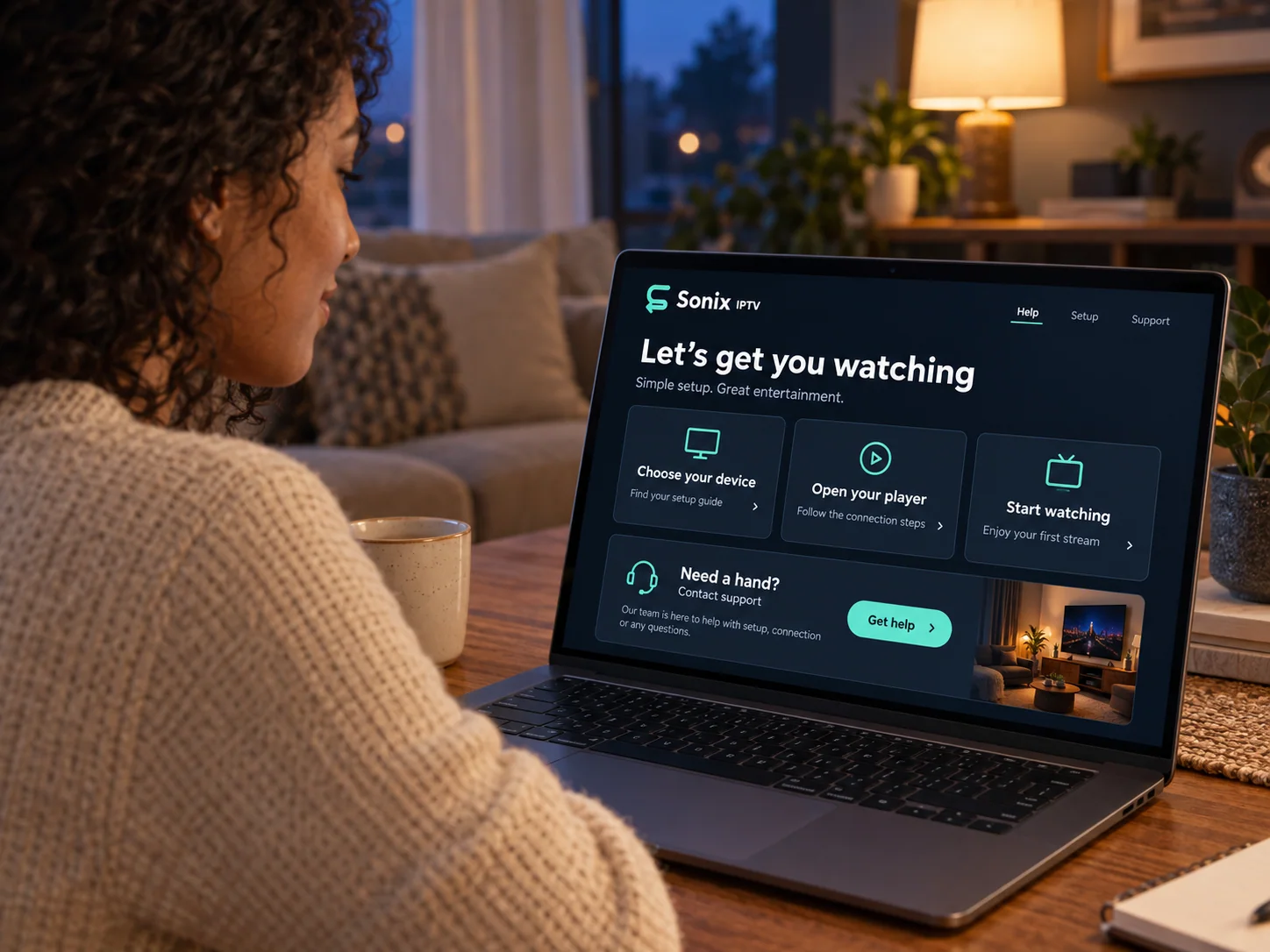
Five steps, described as they actually happen. Your subscription is arranged with our team rather than through an automated checkout.
Choose your plan
Pick a term from one to twelve months and the number of simultaneous connections your household needs.
Contact the team to place your order
Send your selection to us on WhatsApp or by telephone. We confirm the exact amount and the payment method before anything is charged.
Receive your setup instructions
Once your order is confirmed we send the details your player needs, together with the guide for your device.
Set up your device
Install a compatible player, enter the details we sent, and allow the channel list and programme guide to load.
Start watching
Browse the channel list and on-demand libraries available on your subscription. If anything looks wrong, message us and we will work through it with you.
Picture quality is the result of several things working together: the quality of the source, the player and hardware you are using, and the speed and stability of your connection. We can tell you what each of those needs to be, but we will not promise a result that depends on your home network.
from about 5 Mbps
Standard definition
Enough for a single standard-definition stream on a stable connection.
from about 10 to 15 Mbps
High definition
A common range for a comfortable HD picture on one screen.
from about 25 Mbps
4K Ultra HD
Applies where the source content, your player and your television all support 4K.
add capacity per stream
Several screens at once
Each simultaneous connection needs its own share of your available bandwidth.
These figures are general guidance for streaming video, not a guarantee about any individual stream. 4K applies where the source content, your player and your television all support it.
Customer support
A real conversation when you need one
Most questions are easier to settle in a short exchange than by reading a help page. Message us on WhatsApp, where you can send a screenshot of exactly what is on your screen, or call and talk it through.
Telephone: +44 7868 240819. This is our contact line; we serve customers across the United States, Canada, the United Kingdom, Australia and other English-speaking markets.
Choosing a subscription
Tell us how many people watch at once and on which devices, and we will point you to the term and connection count that fits.
Device setup
We can walk you through installing a player and entering your details on the device you intend to use.
Orders and activation
Questions about an order you have placed, your subscription term, or the details we sent you.
Playback and quality
If the picture stalls or a channel will not open, we will work through the likely causes with you.
Payment enquiries
Ask about accepted payment methods and the exact amount for your chosen plan before you pay anything.
Renewals
Contact us before your term ends to arrange a renewal and keep the same setup on your device.
Questions
Frequently asked questions
The things customers ask most often, answered plainly.
What is Sonix IPTV?
Sonix IPTV is an internet television subscription service. Instead of a satellite dish or a cable connection, programming reaches your device over your existing broadband connection and is played through a compatible IPTV player application.
How does an IPTV subscription work?
When your order is confirmed we send you the details your player needs, along with the guide for your device. You install a compatible player, enter those details once, and the channel list, programme guide and on-demand libraries load inside the player. Your subscription runs for the term you chose.
Which devices can I use?
Smart televisions, Amazon Fire TV devices, Android TV and Google TV, Apple TV, Android phones and tablets, iPhone and iPad, and Windows and Mac computers can all be used where a compatible player is available for them. Check your specific model with us if you are unsure before subscribing.
How do I install a compatible IPTV player?
Install the player from your device app store, open it, and enter the playlist details we send you. Our installation guide covers each device family step by step, and we can stay with you on WhatsApp while you do it.
Can I use one subscription on several devices?
Each plan is priced by the number of simultaneous connections, from one to five. You can set your subscription up on more devices than that, but only the number of streams you paid for can play at the same time.
What internet connection do I need?
As general guidance for streaming video, a single standard-definition stream needs roughly 5 Mbps, high definition roughly 10 to 15 Mbps, and 4K roughly 25 Mbps, with additional capacity for every extra simultaneous stream. Connection stability matters as much as raw speed, so a wired connection is preferable where your device supports one.